Space Planning with Blue Yonder
Efficient, Data-Driven Planogram Creation and Analysis
Blue Yonder Space Planning empowers you to optimize every shelf, maximize sales, and streamline your merchandising processes—whether you’re a retailer or a CPG manufacturer. Blue Yonder solution combines intuitive design, powerful analytics, and flexible workflows to help you create, analyze, and distribute planograms with ease.
With Blue Yonder Space Planning Tool, you can:
- Create and manage planograms for individual stores, clusters, or entire categories
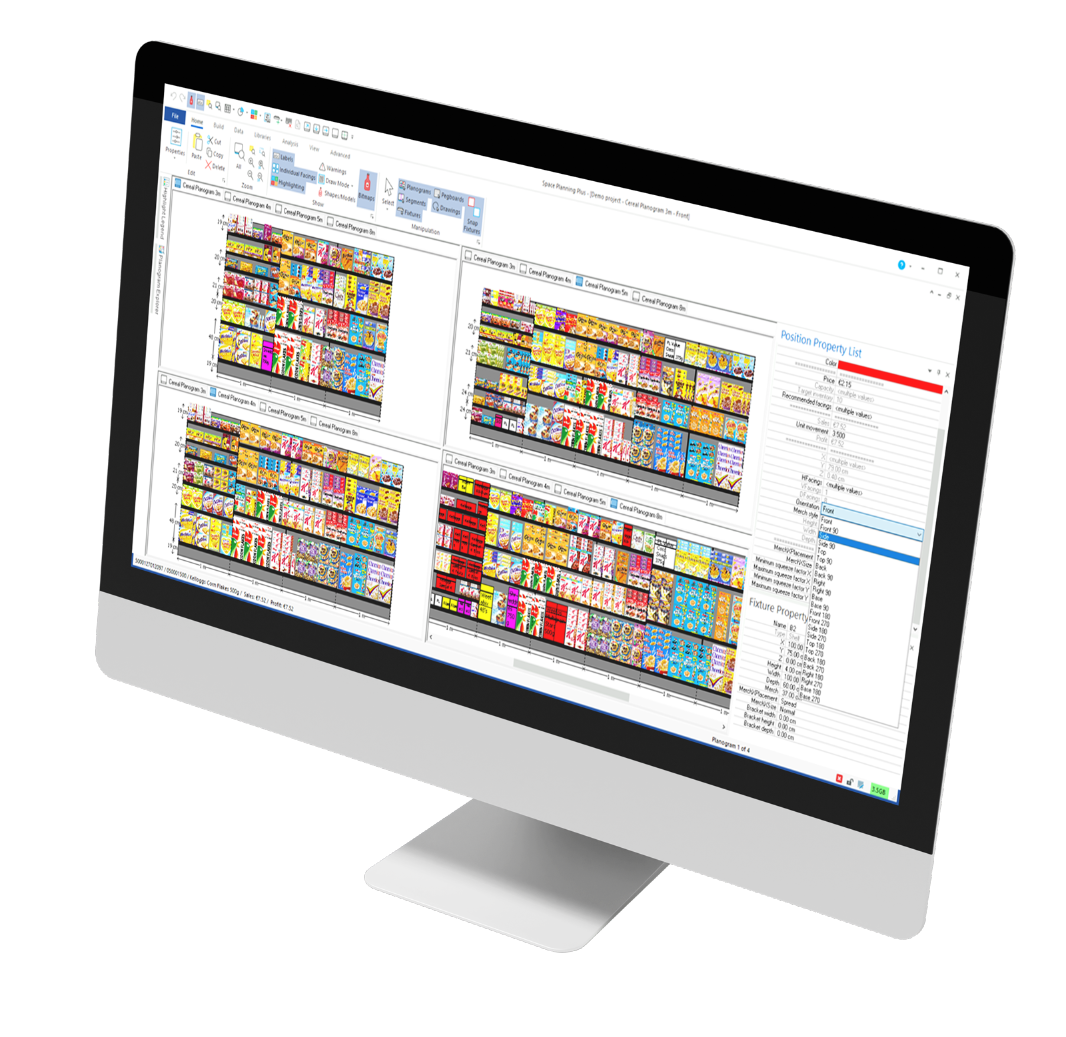
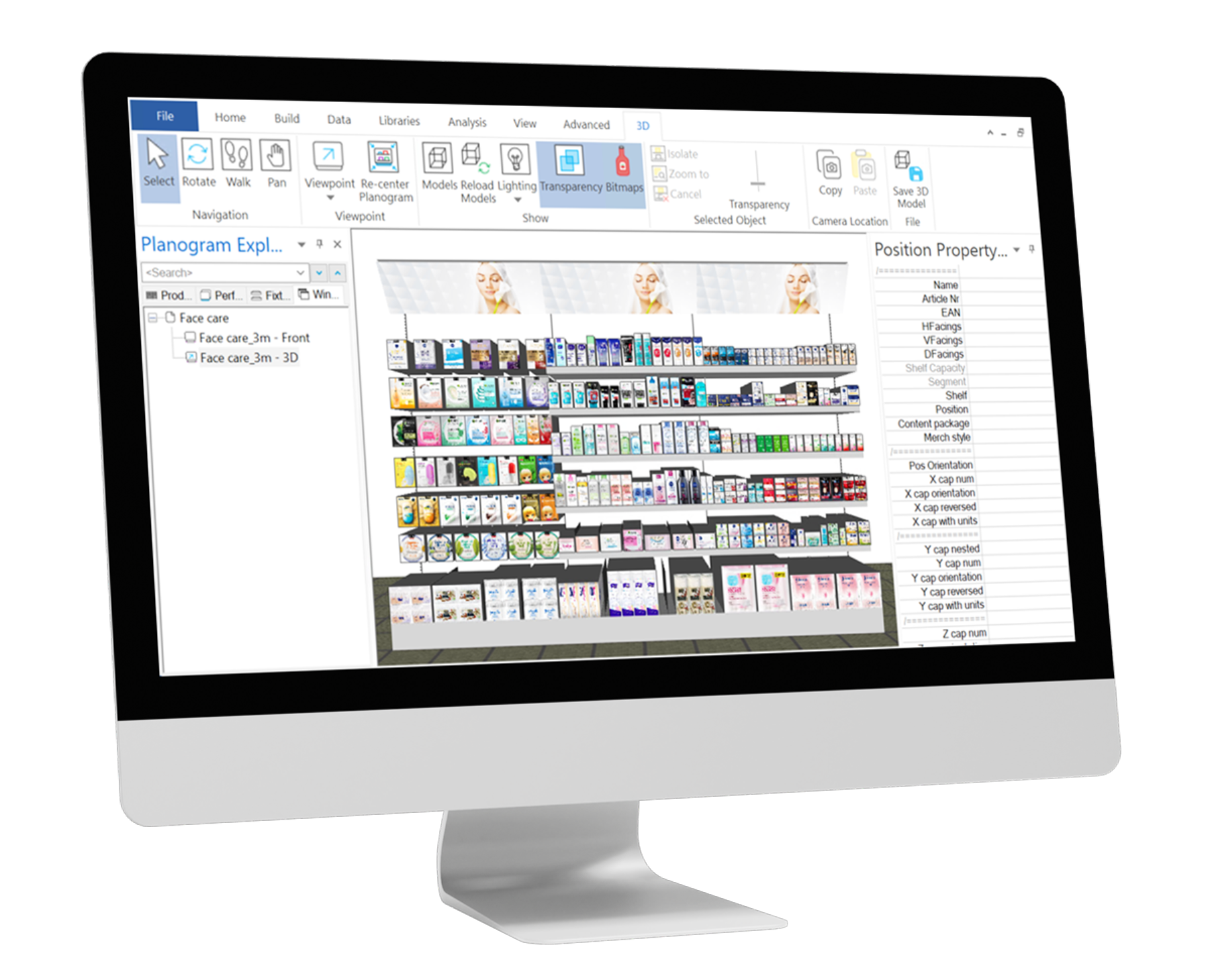
- Visualize fixtures, products, and merchandising styles in 2D and 3D
- Analyze performance and optimize layouts for sales, inventory, and customer experience
Features
Key Features
Flexible planogram types
- Master (template) planograms for categories
- Cluster planograms for groups of stores
- Store-specific planograms for unique layouts
Comprehensive fixture management
- Shelves, pegboards, bins, rods, and more
- Customizable fixture libraries for fast setup
Advanced merchandising controls
- Multiple merchandising styles (unit, tray, case, display, loose, etc.)
- Orientation, facings, stacking, capping, and nesting options
Data integration
- Import product and performance data from Excel, databases, or external systems
- Analyze sales, inventory, and KPIs directly within your planograms
Powerful analysis tools
- Tables, charts, and highlights for in-depth insights
- Custom labels and formulas for on-shelf analytics
- Inventory models to optimize stock and reduce out-of-stocks
User-friendly interface
- Microsoft Office-inspired ribbons and navigation
- Multi-view support: Front, Side, Top, 3D, and Table views
- Quick access toolbars and customizable layouts
Collaboration & sharing
- Print and export planograms as PDF reports
- Share projects and libraries with your team or external partners
Start
Your Space Planning journey
Whether you’re just starting or looking to scale your space management, Blue Yonder Space Planning adapts to your needs:
- Create and Planograms
Set up projects, define planograms, and configure fixtures and merchandising parameters.
- Load Products & Data
Import product master data and performance metrics for data-driven decisions.
- Design & Optimize
Place products, adjust facings, and use analytical tools to optimize layouts.
- Analyze & Report
Leverage built-in analytics to track performance, identify opportunities, and generate actionable reports.
- Distribute & Collaborate
Print, export, and share planograms and insights with stakeholders.
Explore
Explore more
Choose your path to learn how Blue Yonder Space Planning can help you:
Space Planning for CPGs
Explore tools designed for CPG manufacturers to optimize shelf presence and drive negotiations.
Learn moreSpace Planning for Retail
Discover solutions tailored for retailers, from assortment planning to store-specific execution.
Learn more